
For Mac
DataLens.
See where your data and disk space go. DataLens tracks Wi-Fi usage per network and app, shows where you were each day, explains what fills your storage, and watches your SSD.
Version 1.1.1 · macOS 14 or later · Apple Silicon and Intel
What it does.
Built for the two questions macOS does not answer well: where did my data go, and why is my disk full.
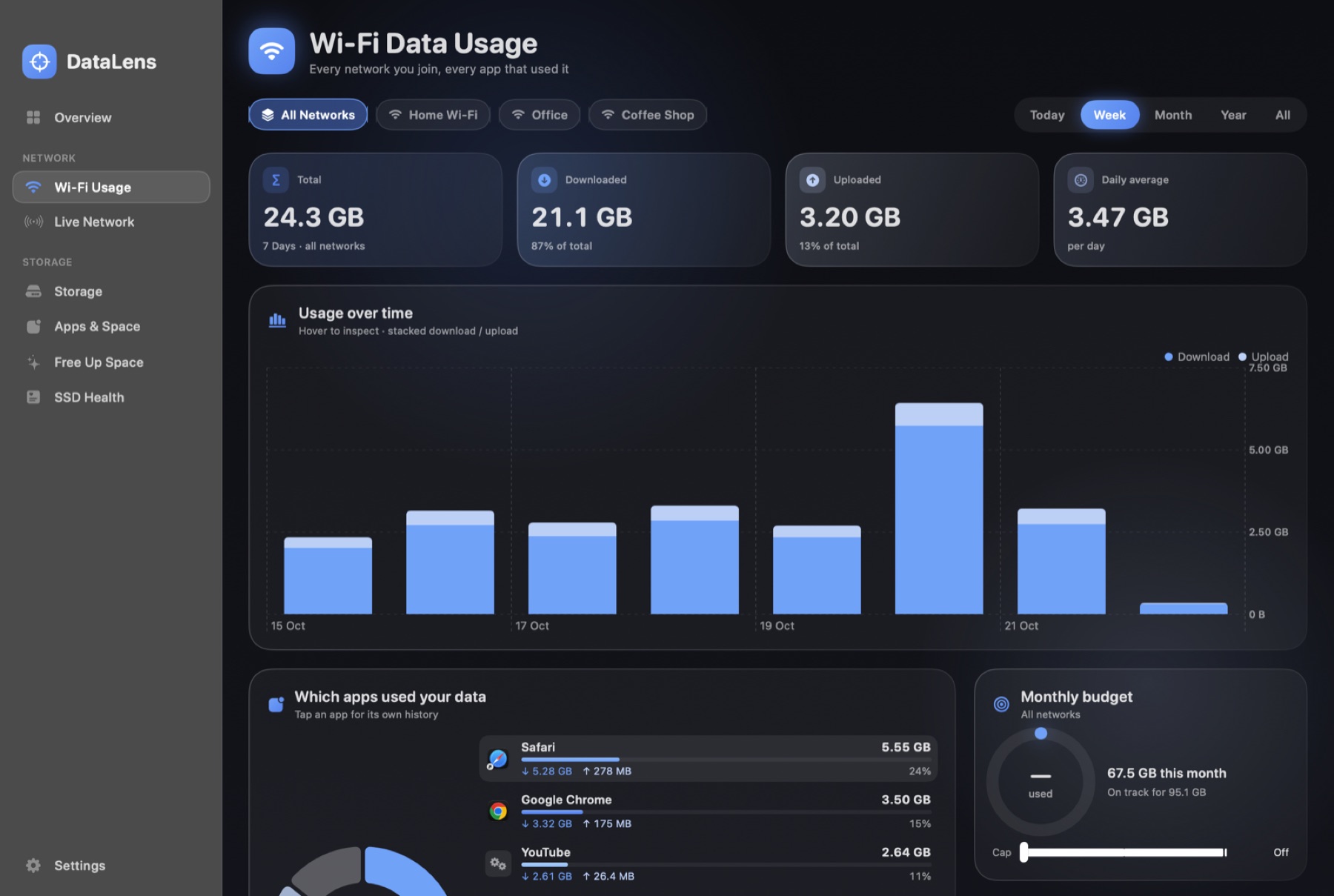
Usage per Wi-Fi networkTotals by network and by app for today, the week, the month, a year or all time.
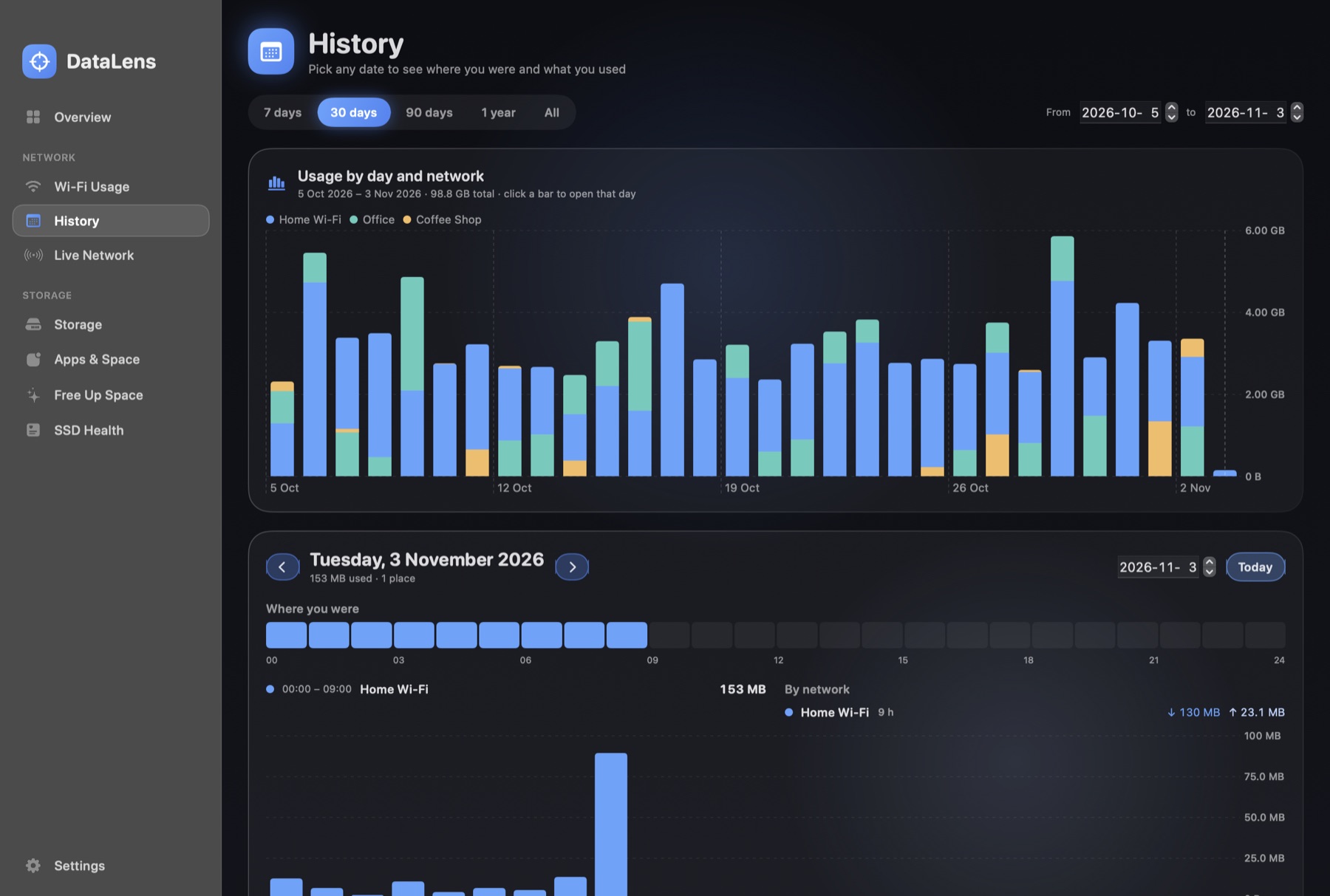
Day-by-day historyPick any date and see which network you were on, when, and how much data you used.
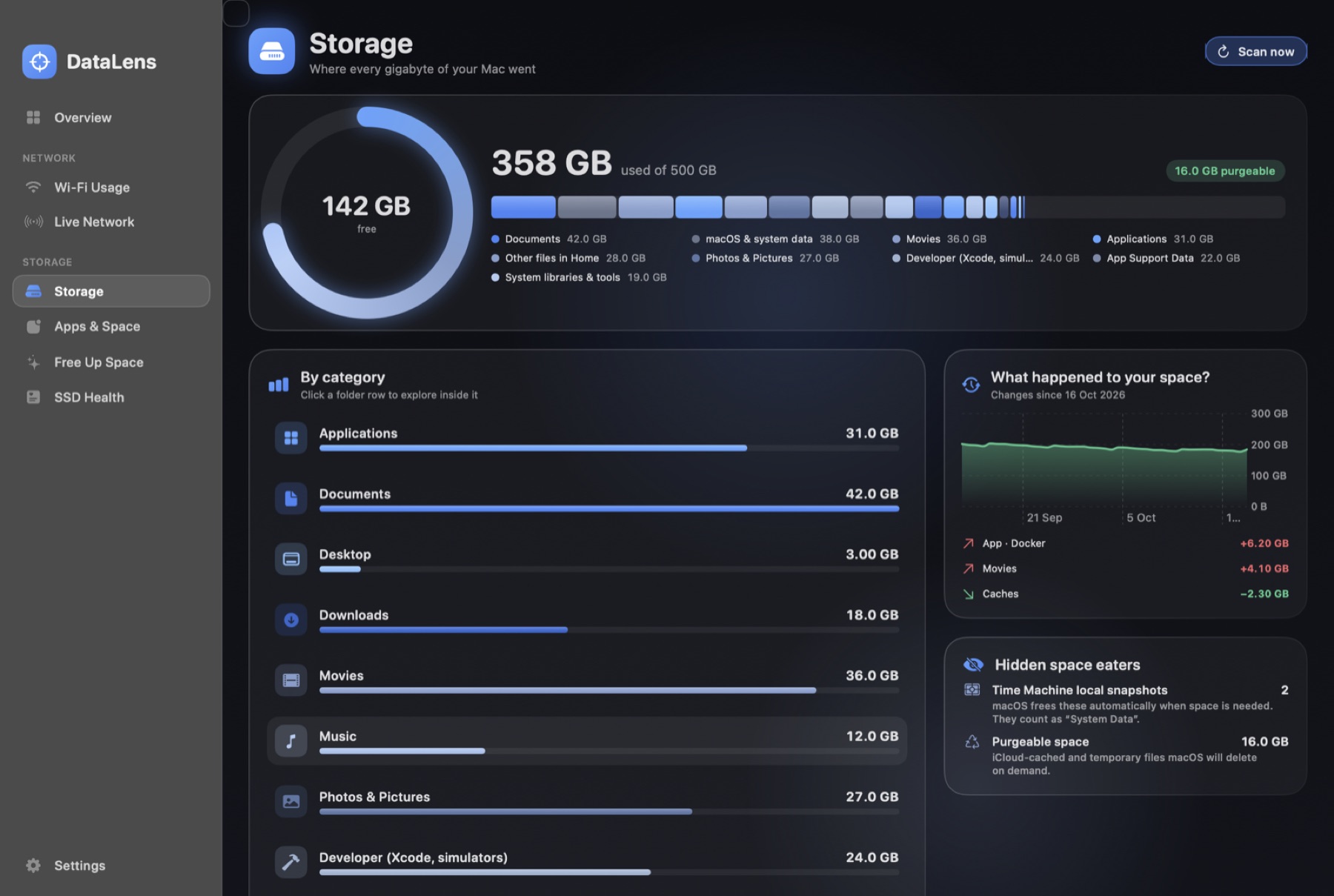
Storage breakdownCategories, a clickable folder map, per-app footprint and what grew since the last scan.
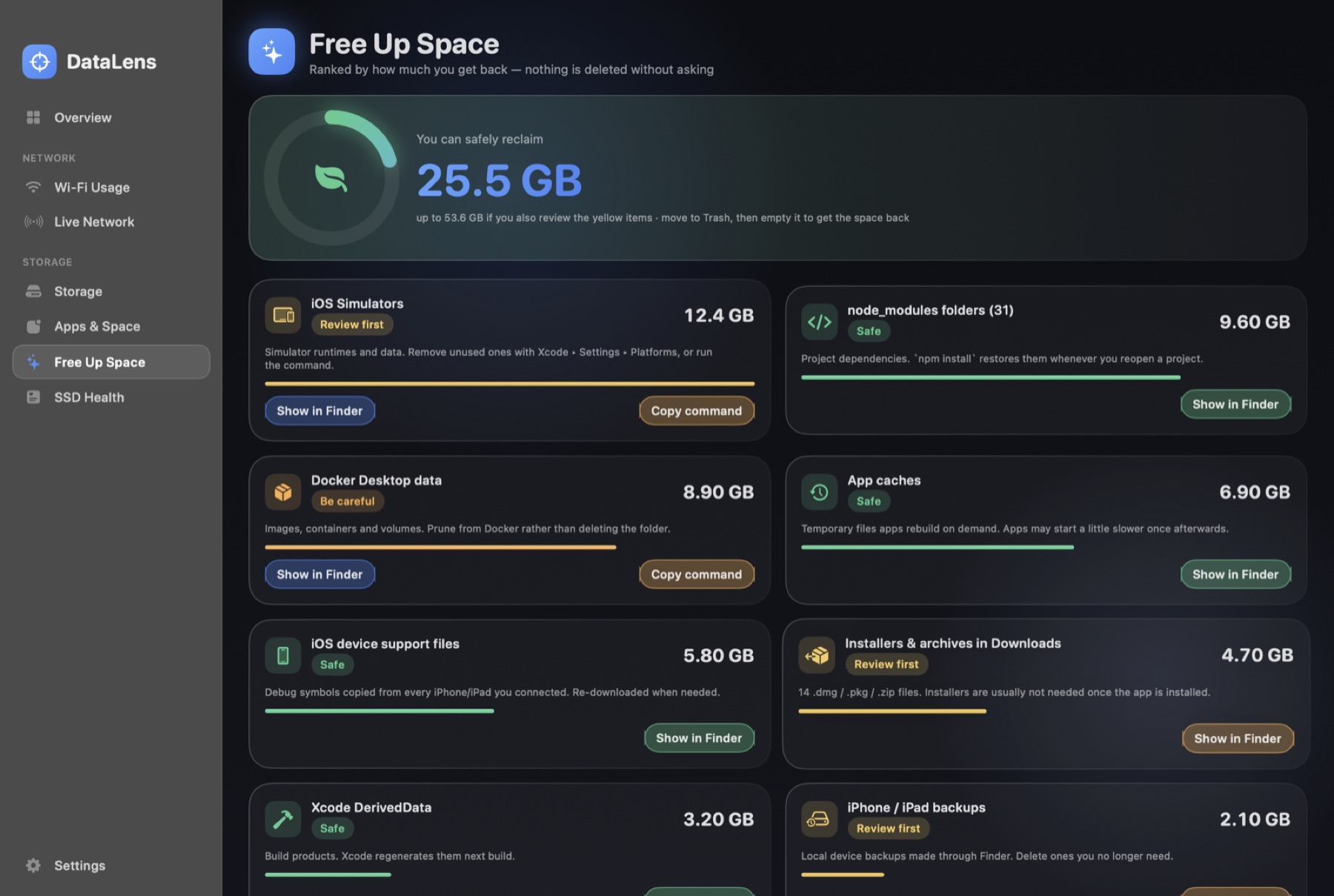
Safe cleanupSuggestions for caches, Xcode data, installers and large files. Items go to the Trash after you confirm.
SSD healthS.M.A.R.T. status, live read and write speed, and wear counters.
Menu-bar readoutLive up and down speed, signal details and the apps using the network right now.
Screenshots.
Shown with sample data.
Wi-Fi usage per network and app
Storage breakdown
Free up space
Install
Three steps.
- 1
Download
Download the DMG and open it.
- 2
Install
Drag DataLens to Applications. This version is not yet notarized by Apple, so the first time, right-click the app and choose Open.
- 3
Allow Location
macOS requires it to read the Wi-Fi name. Updates arrive inside the app.
FAQ
Questions.
- Is my data sent anywhere?No. Usage history is stored in a local database on your Mac. The only network request DataLens makes is checking corevezel.com for a new version.
- Why does it need Location access?macOS only reveals the Wi-Fi network name to apps that have Location permission. DataLens never reads or stores your coordinates.
- Can it show usage from before I installed it?No. macOS does not expose that history to apps, so DataLens records usage from the day you install it.
- Will it delete my files?Only when you pick items in Free up space and confirm. They move to the Trash, so you can restore them.